

 FeaturesWhat's new Online
documentationTutorials ScreenshotsDownload trial versionPurchaseSource
code
FeaturesWhat's new Online
documentationTutorials ScreenshotsDownload trial versionPurchaseSource
code

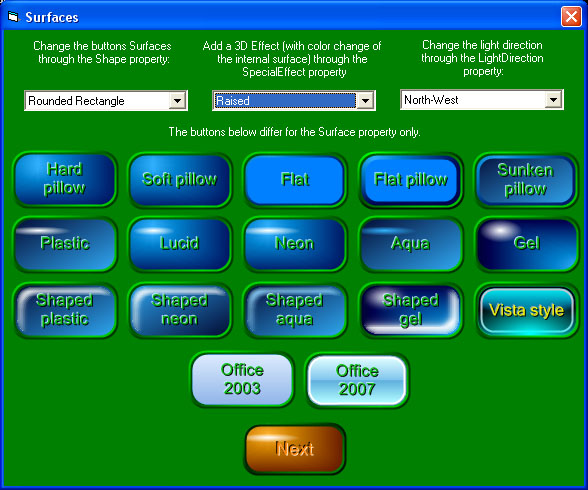
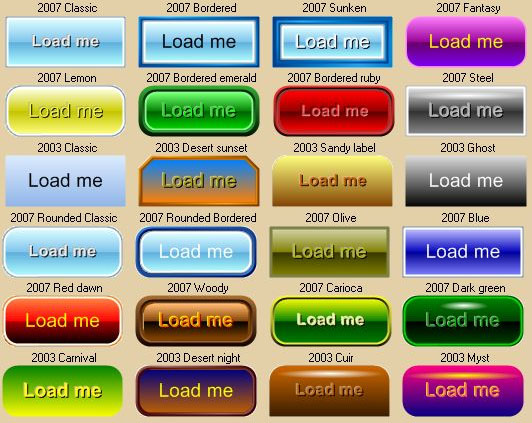
Here are some screenshots taken from our Demo application. There is some distortion to the button images due to the use of JPEG compression. I n the real word these buttons will look better than they do here. A gallery of the available button surfaces.
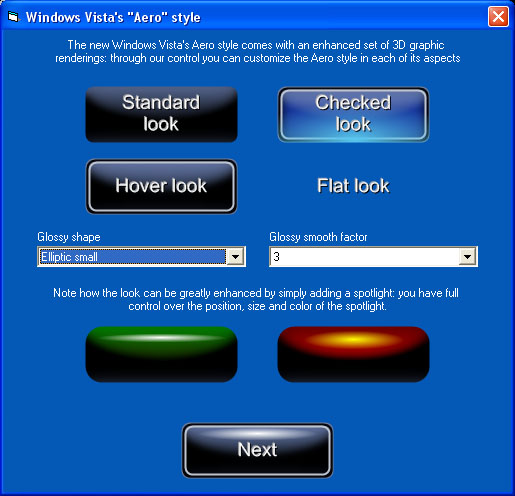
The new Vista's Aero style will certainly enhance your user interface: each single color composing the Aero look can be changed through dedicated properties:
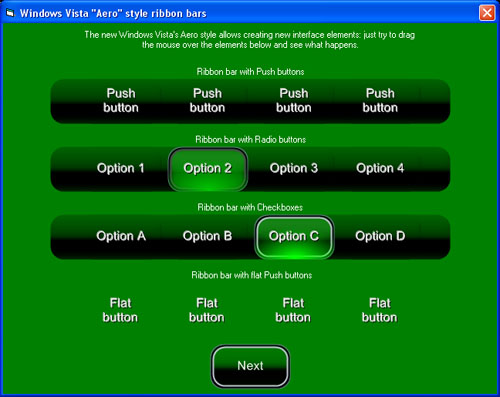
Creating ribbon bars with Vista or Office styles and using the new Split Buttons is just a matter of few clicks
Some of the new styles available for the button. It can be used as an alternative to standard Frames controls and standard Picture controls (with the capability of displaying GIF and AVI animations). A great new style is the enhancement of the Standard Option (Radio) buttons and Checkboxes with transparency support.
Pictures and animations can be displayed in transparency over the button surface and their reflectivity can be enabled and configured as seen on the set of buttons below: the 2 upper buttons have picture reflectivity enabled, the 2 lower buttons have picture reflectivity disabled.
The control can be used as a background for other standard controls like edit boxes, lisboxes and comboboxes; as you can see the final effect is really outstanding
Creating 3D Progress Bars is also a very easy task; apart from the standard horizontal and vertical look, you can now create progress bars with a radial look:
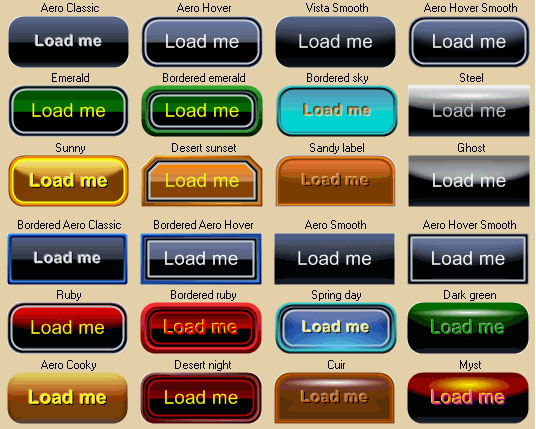
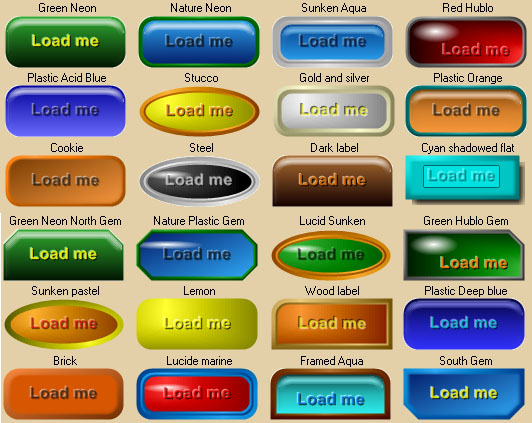
A few screenshots, taken from our application 3D Button Visual Editor (developed using 3D Active Button Magic as a " button engine") displaying some available and ready to use button templates. The only limit on creating these buttons is your fantasy. Vista's Aero templates:
Office 2003 and Office 2007 templates
Some other misc template
A screenshot of the 1998 European Community members: every country is rendered using a custom shaped button and every country has its own mouse pointer; the country under the mouse pointer change its color. This dialog box, contained in the demo program, performs sounds when the mouse enter, leaves or click a country.
Some of the special effects that can be applied over rectangular, rounded-rectangular and elliptic buttons: as you see also the caption text can have special effects applied (the surface rendering quality is in this image worst than in reality due to the image compression).
|